Spaces and Shares
External location
As an administrator, it is possible to add an external location from the file system.
An external location corresponds to an existing directory on the server that can be directly integrated into the platform,
making it accessible through a share or a space
as an anchored file.
Configuration
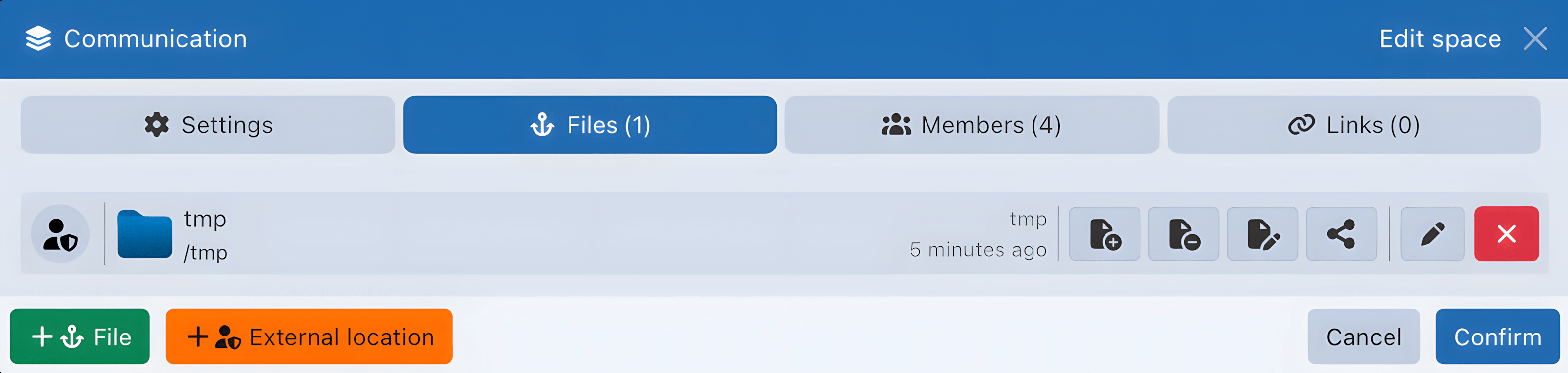

When creating or editing a share or a space, the External location button allows you to select a directory to attach:
- from a space in the Files tab
- from a share in the Settings tab
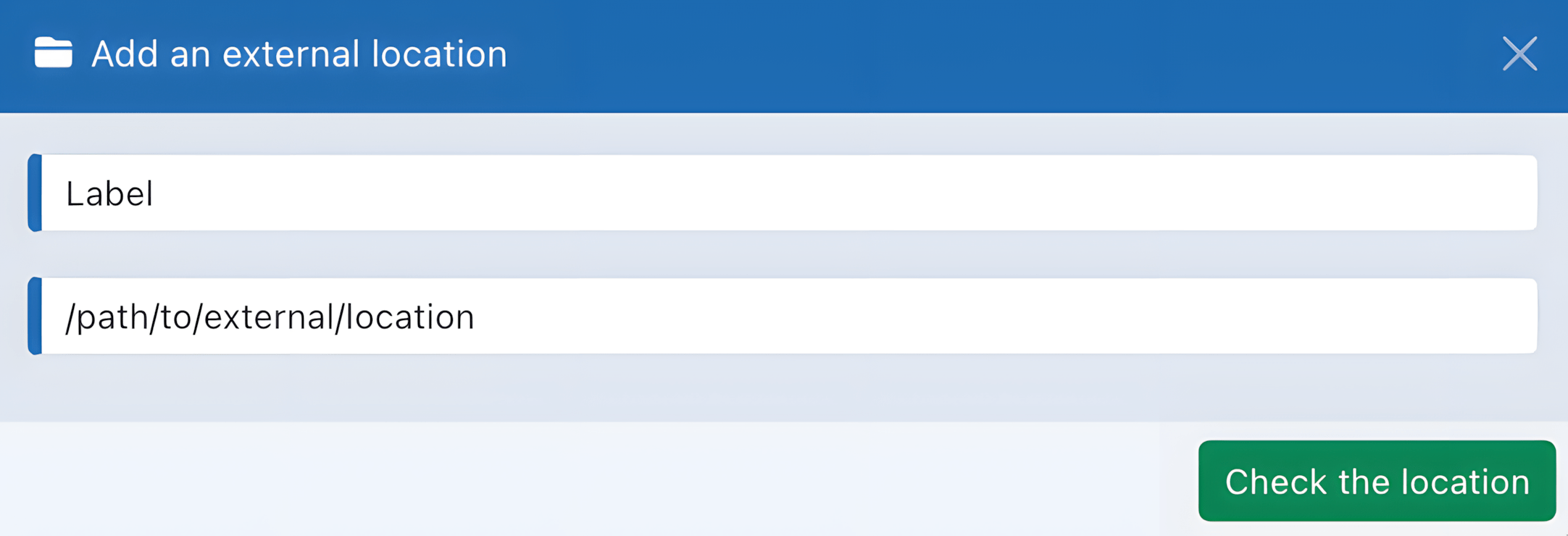
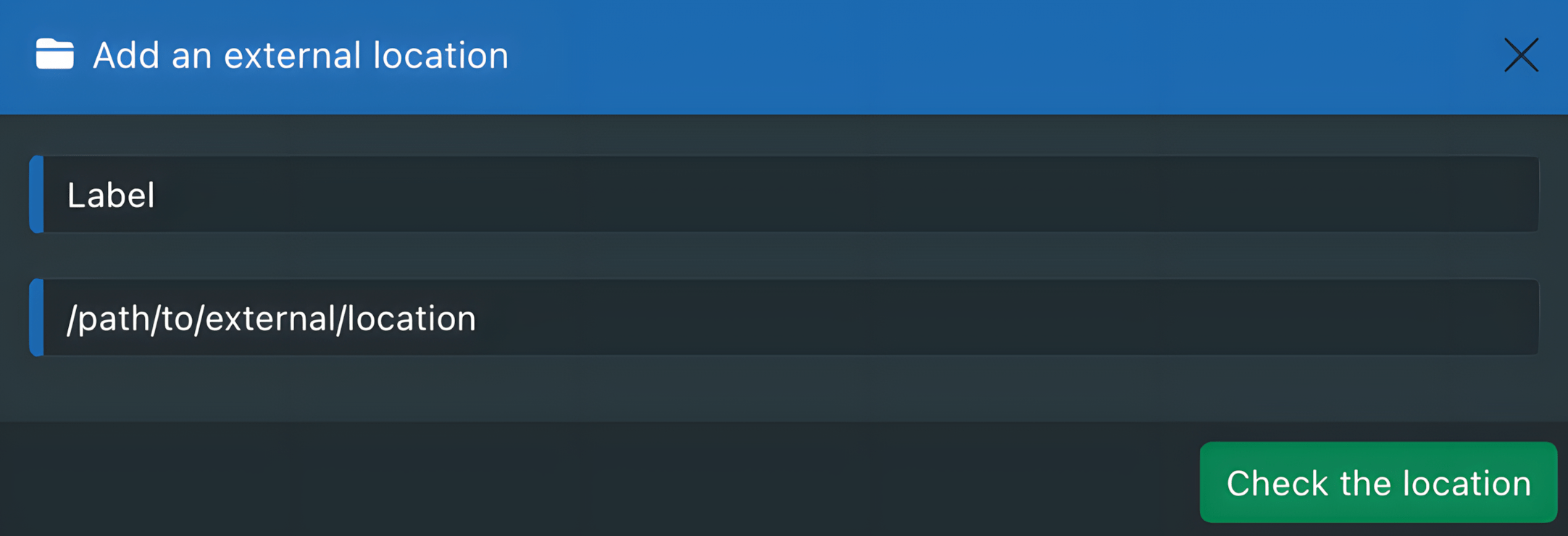
When adding the directory, the system automatically checks the permissions.
The user running the server process must have read and write permissions on the chosen directory.
Always check the directory permissions before adding it.
If the permissions are correct, the directory is then associated with the share or space as an anchored file.
Specifics
Through a share
- When an external location is made accessible through a share, a type of share that can only be created by an administrator, it becomes visible and manageable by all administrators.
- A storage quota can be applied to this type of share to ensure better control.
- Since this type of share has no owner and no managed trash, deleting a file permanently removes it. It is not moved to the trash of the user who performed the deletion.
Through an anchored file in a space
- When an external location is integrated into a collaborative space as an anchored file, its content is included in the calculation of used storage to prevent exceeding the quota when a limit is defined.
- When a file anchored to an external location is deleted, it is automatically moved to the space's trash.
Trash
Files deleted from personal or collaborative spaces are moved to the trash of their original location, so they can be restored until they are permanently removed. External shares are an exception: they have no managed trash, so deletions are permanent. As an administrator, it is possible to enable automatic trash cleanup after a configurable number of days, separately for personal spaces and collaborative spaces.
Configuration
Trash retention is configured through the applications.files.trashRetention section in
environment.yaml:
applications:
  files:
    trashRetention:
      users: 30
      spaces: 30
usersapplies to personal-space trash.spacesapplies to collaborative-space trash.
Set a numeric value to enable automatic cleanup after the selected number of days.
Use false or 0 to keep automatic cleanup disabled for the corresponding repository type.
Automatic trash cleanup is disabled by default to preserve the existing behavior.
Specifics
Personal spaces
- The
usersretention applies to files deleted from personal spaces.
Collaborative spaces
- The
spacesretention applies to each collaborative space's own trash. - Files deleted from an external location anchored in a space are moved to the space's trash and follow the collaborative-space retention.
External shares
- Administrator-created external shares have no managed trash. Deletions are permanent, and neither retention setting applies.